QR Max
Scan it. Make it. Share it. QR Max reads any QR code or barcode the moment you point at it, and lets anyone make beautiful, scannable codes of their own.
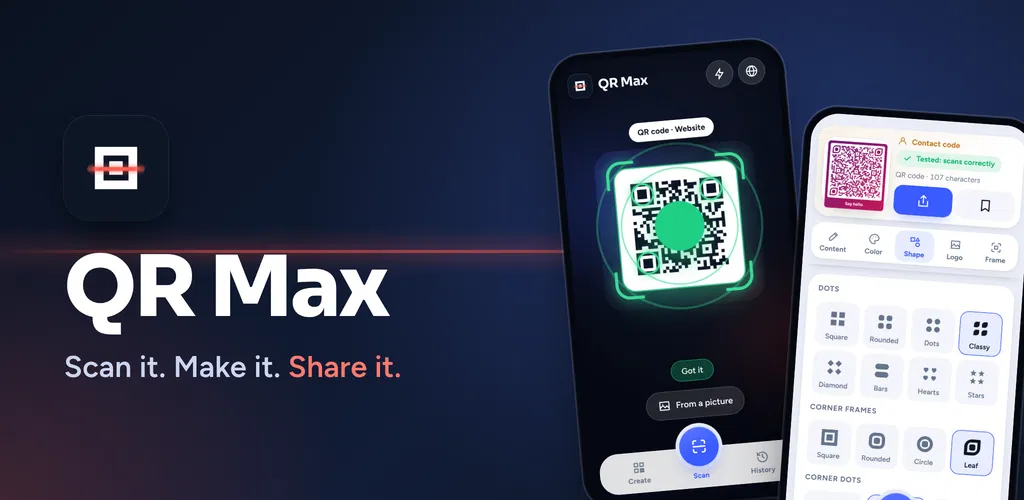
QR Max is a QR code and barcode scanner and maker for Android. Point your camera and it reads the code by itself, with no button to press, then shows you what is inside and the right thing to do with it. When you want to make a code, pick what it is for, design it with shapes, frames and (with Pro) your own colours and logo, and share it to any app already on your phone. Every code you make is tested before you share it, so it scans when it matters.
Scan
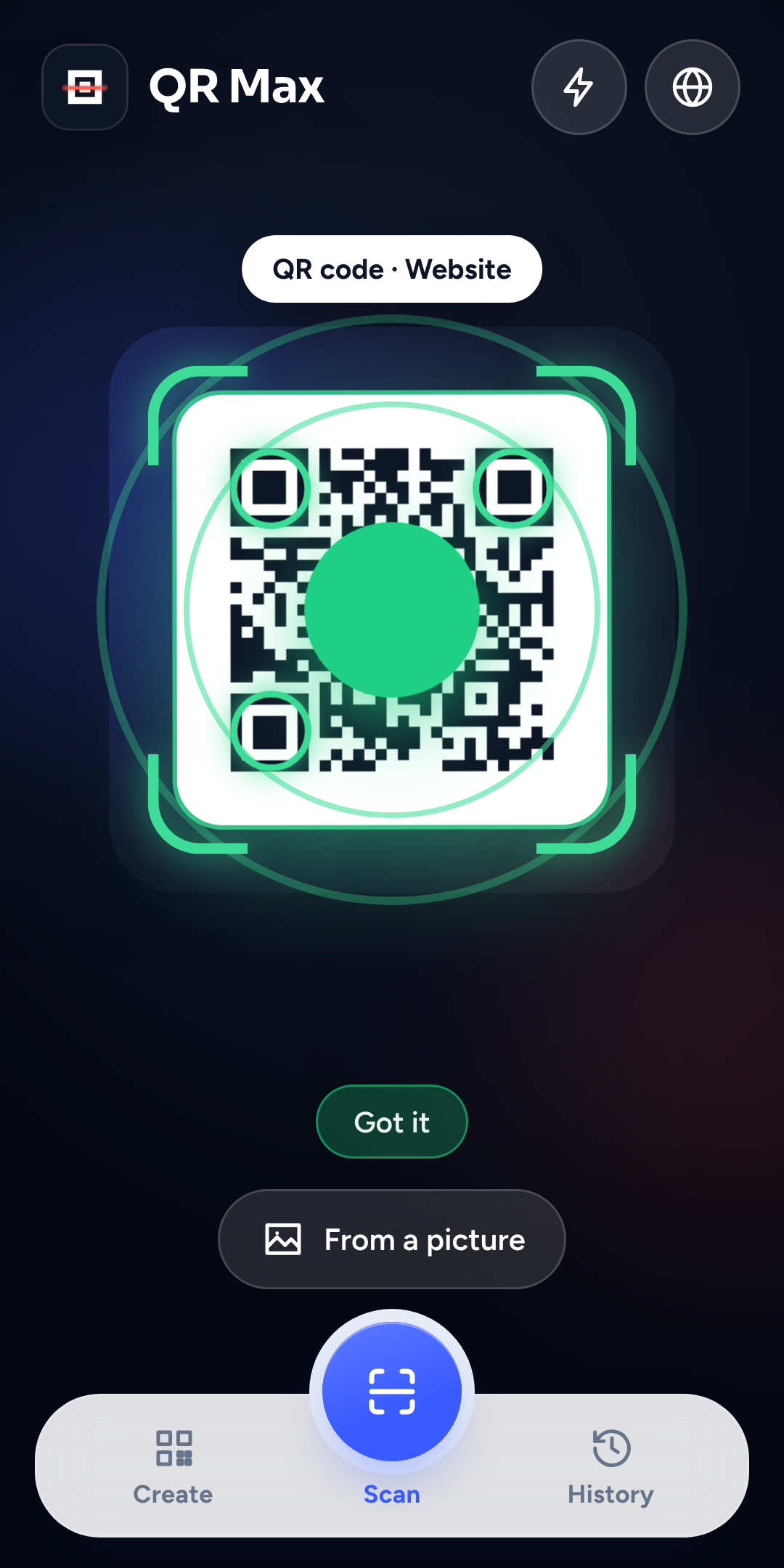
Point the camera at a code. QR Max finds it and reads it automatically, with a clear animation so you can see it working.
Create
Choose a type (link, Wi-Fi, contact and more), then style it: shapes, corners and frames are free; colours and your logo are part of Pro.
Share
Send the code through any app on your phone (messages, email, social, anything on Android's share sheet) or save it to your gallery.
Scan
- Reads codes automatically. No shutter button. A laser sweep and a green lock-on show it is working.
- QR codes and common barcodes, including product barcodes such as EAN and UPC, and formats such as Code 128, Code 39, Data Matrix, PDF417 and Aztec.
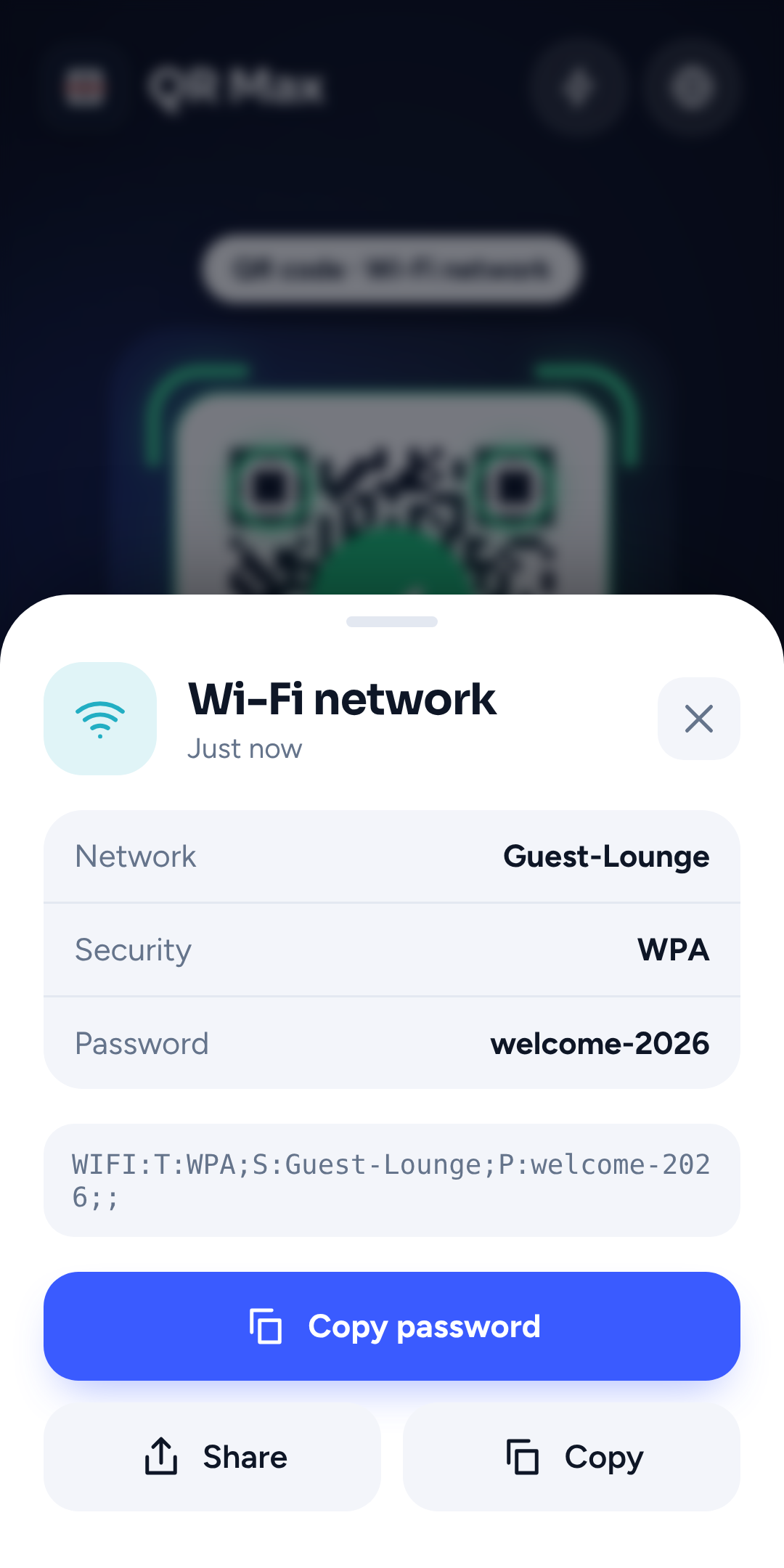
- Tells you what it found: a website, a Wi-Fi network, a phone number, a contact, an event and so on, with the matching action (open the link, copy the Wi-Fi password, copy the number).
- Scan from a picture. Pick a screenshot or photo from your gallery and it reads the code in it.
- Torch for dark places.
Create
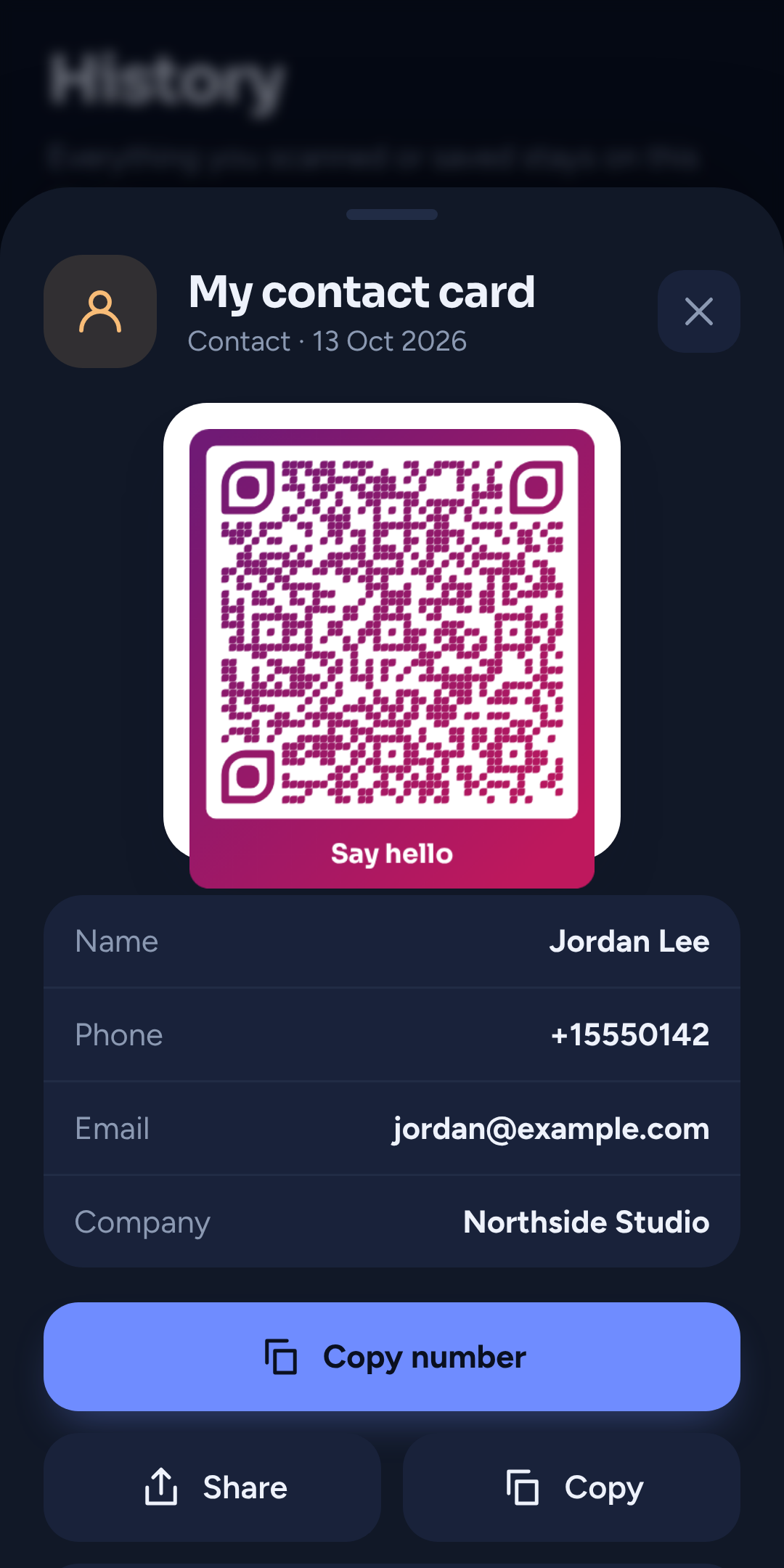
- 10 kinds of code: website link, text, Wi-Fi, contact card, SMS, email, phone number, calendar event, map location, and product-style barcodes (Code 128, EAN-13, UPC-A, Code 39).
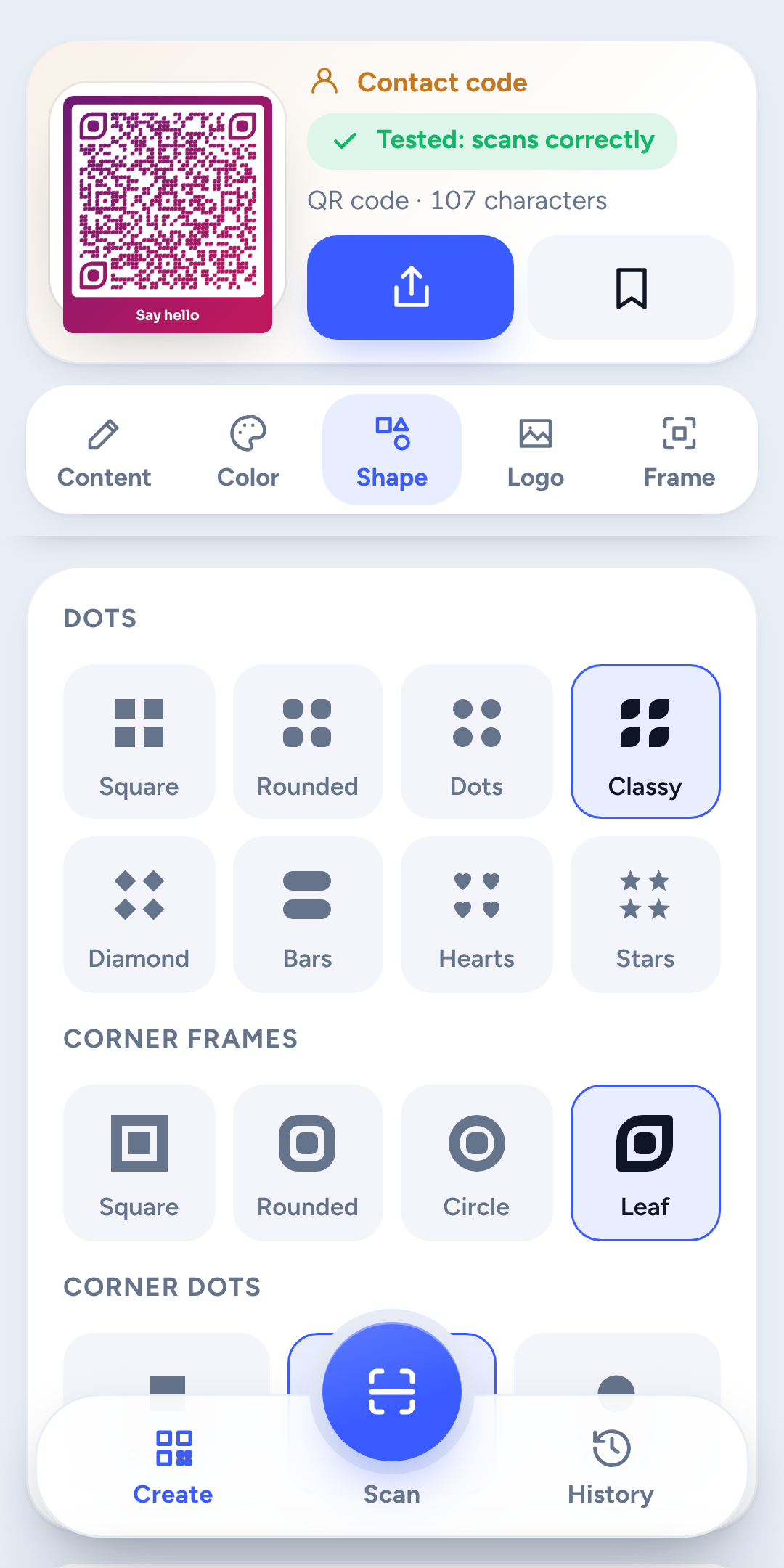
- A designer in tabs, so nothing needs long scrolling: Content, Color, Shape, Logo, Frame.
- Shapes (free): 8 dot styles (square, rounded, dots, classy, diamond, bars, hearts, stars), 4 corner-frame styles (square, rounded, circle, leaf) and 3 corner-dot styles.
- Frames (free): bottom, top, tag or border, with your own call-to-action text such as "Scan me", "Menu" or "Book now".
- Colour (Pro): 7 ready-made themes, your own colours, a two-colour gradient, a background colour, and a contrast check.
- Logo (Pro): add your own image, pick from 16 symbols, or use up to three letters.
- Always scannable. QR Max re-reads every code it makes and shows "Tested: scans correctly". When a logo is added it shrinks the logo automatically if needed so the code still works.
Share and keep
- Share anywhere. Uses Android's own share sheet, so you see the apps you really have.
- Save to your gallery as an image (no extra permission needed).
- History. Everything you scanned, and every code you saved under My Codes, with search. It stays on your phone.
- Light and dark appearance, following your phone's setting.
- Eight languages, with a language button right on the scan screen.
£4.99, once. No subscription, ever. Buying it unlocks:
- Custom colours and gradients
- Your own logo on any code
- Ready-made colour themes
- Every code is still tested to make sure it scans
Everything else (scanning, all code types, shapes, frames, sharing, saving, history, languages) is free. Pro can be restored on the same Google account from the Pro screen ("Restore purchase").
Camera
Used to read codes. Scanning happens on your phone.
Photos
QR Max does not ask for access to your photos. When you choose "From a picture" you pick the single image yourself through Android’s picker.
Your codes stay on your phone
History and saved codes are stored on the device. There is no account or sign-in.
Nothing is uploaded
Nothing you scan or create is uploaded.
Internet
The app includes Google’s standard Play Billing (for the Pro purchase) and Google’s on-device barcode library, which is why Android lists internet access for the app. The contents of your codes are not sent anywhere by QR Max.
English, Español, Deutsch, Français, Italiano, Português, हिन्दी and Bahasa Indonesia. Change the language any time with the globe button on the scan screen.
Android 10 (API 29) or newer
Works on phones running Android 10 and above.
A camera
Needed for live scanning (scanning from a picture works without one).
Internet only for Pro
Only needed for buying or restoring Pro.
Is QR Max free?
Yes. Scanning, creating, sharing, saving and history are free. Colours and logos are in Pro, a one-time £4.99.
Is it a subscription?
No. One payment, once.
Will my code still scan if I add a logo or colours?
Yes. QR Max re-reads every code it makes and tells you if it passes. It shrinks the logo if it has to.
Does it work without internet?
Scanning, creating, sharing and history work offline. Buying or restoring Pro needs a connection.
Where are my codes stored?
On your phone only.
Which languages?
English, Spanish, German, French, Italian, Portuguese, Hindi and Indonesian. Change it any time with the globe button on the scan screen.
Does it scan barcodes on products?
Yes, and it can also create barcodes.