AppLock
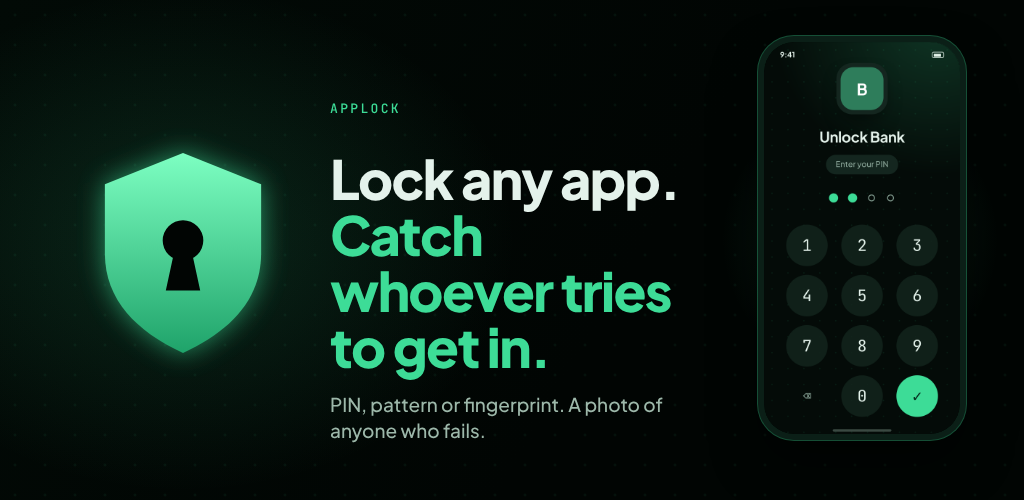
Lock any app. Catch whoever tries to get in. AppLock puts a PIN, pattern or fingerprint lock in front of the apps you choose. With AppLock Pro, it also takes a photo of anyone who fails to unlock. Everything stays on your phone.
Lock any app
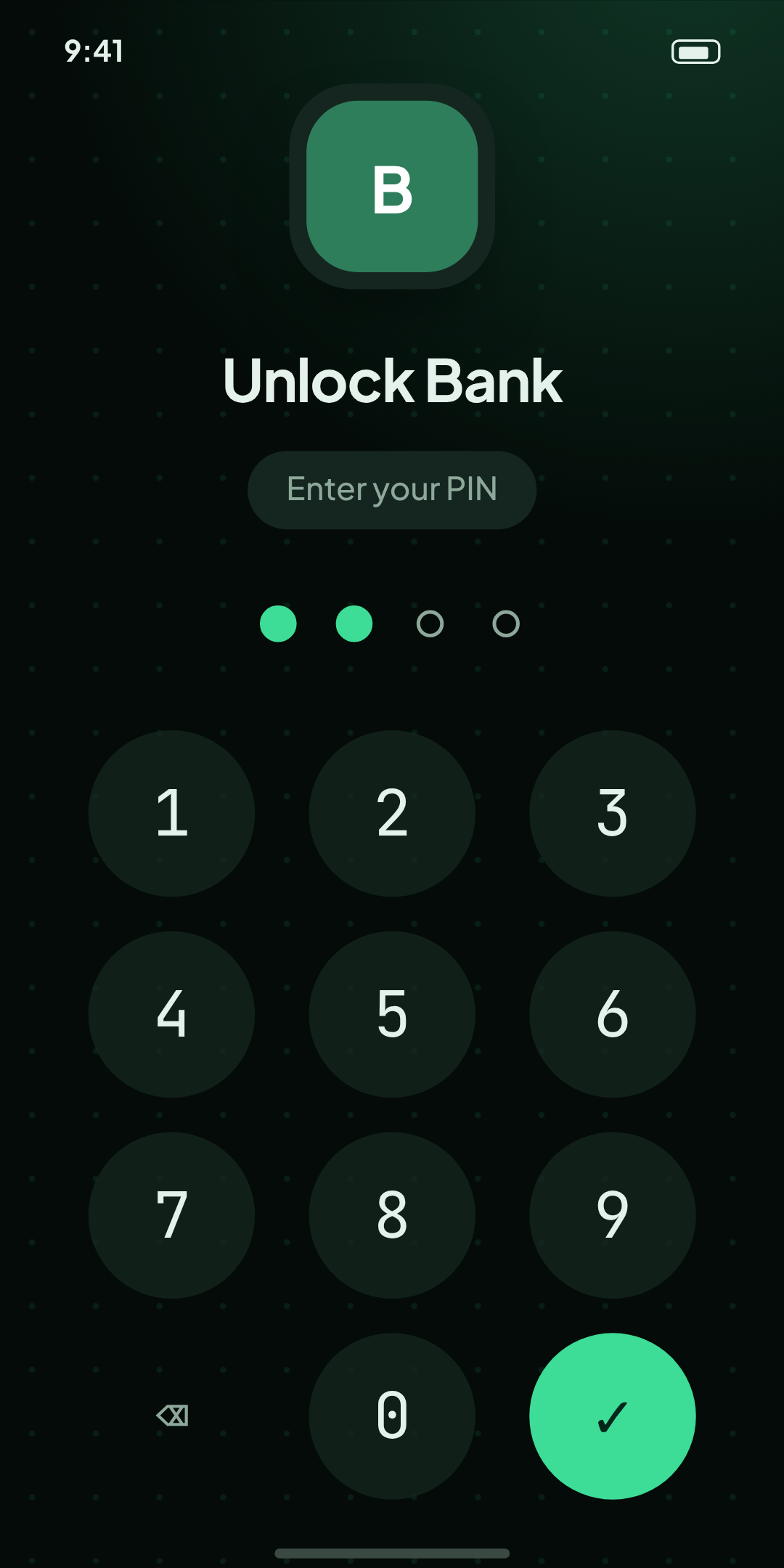
Protect any app with a 4 to 8 digit PIN or a 3×3 pattern.
Fingerprint or face unlock
Uses Android’s built-in biometric prompt, if you have set it up on your phone.
Choose when apps lock again
As soon as you leave the app, 1 or 5 minutes later, or when the screen turns off.
Shuffled PIN keypad
Randomises the key positions so smudges and shoulder-surfing reveal less.
Lockout
Input is paused for 30 seconds after five wrong attempts.
Recovery code
A one-time code you save during setup, so a forgotten PIN or pattern is not the end of the road.
Fake crash screen (optional)
Locked apps look like they crashed. A long-press on “Close app” reveals the real lock.
Hidden notifications (optional)
Notifications from locked apps show “New notification” instead of the message.
Backup and restore
Save your list of locked apps and your preferences to a file. Your PIN and photos are never included.
Private screens
AppLock’s own screens are hidden from screenshots and the recent-apps view.
Auto-hiding navigation bar
Swipe from the screen edge to bring it back.
Seven languages
English, Spanish, German, French, Italian, Portuguese and Polish.
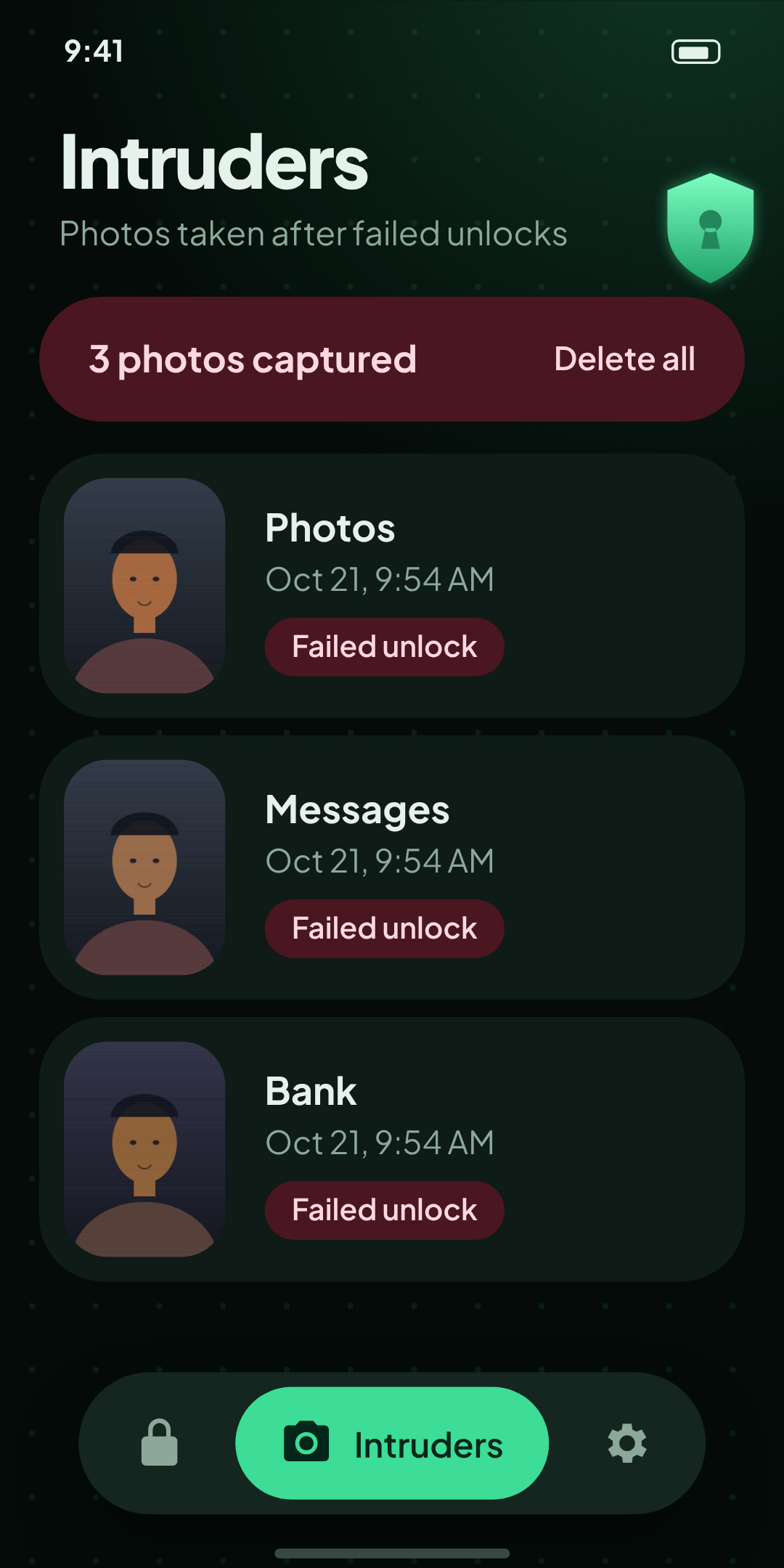
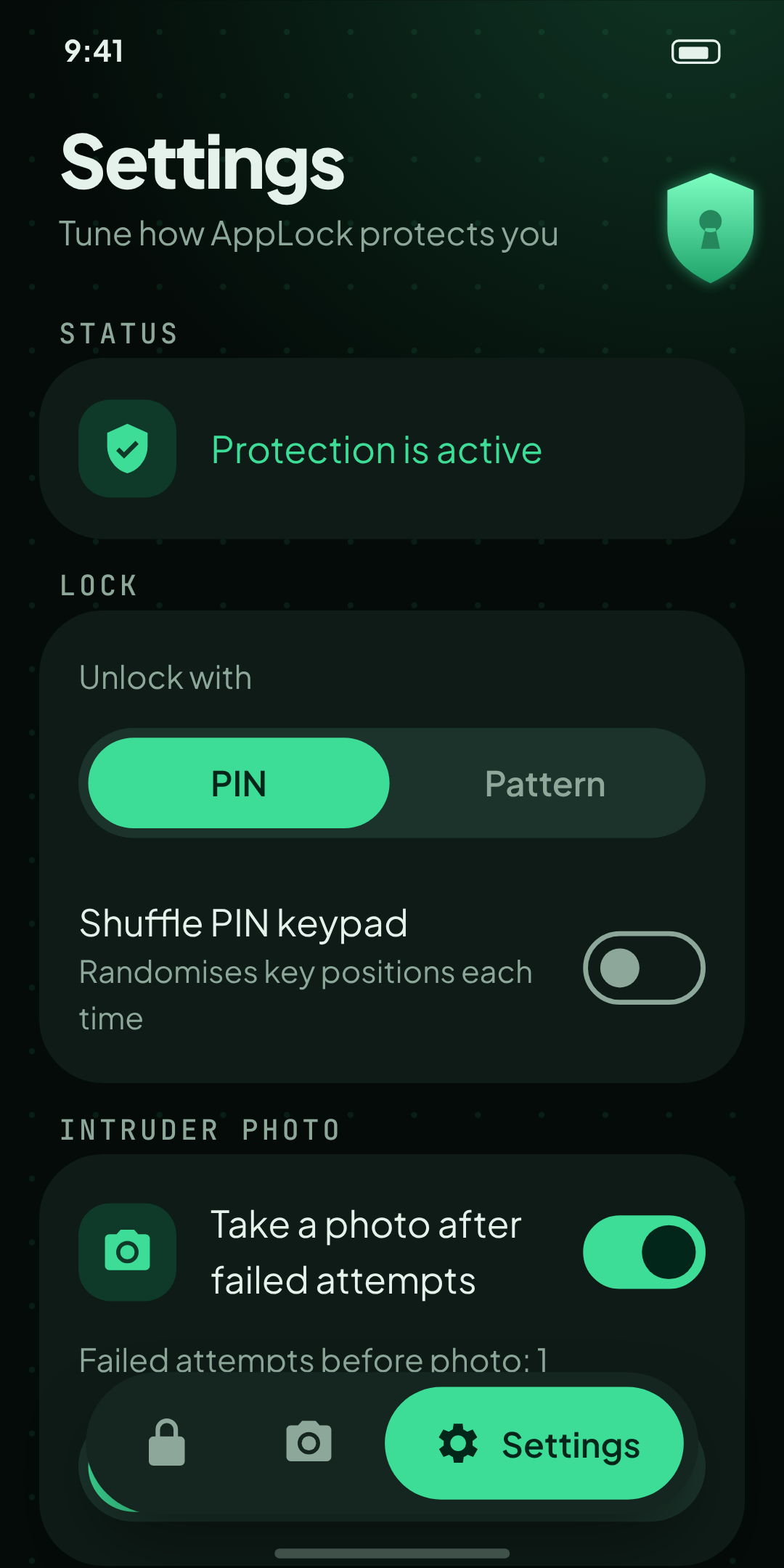
- Intruder photo. When someone fails to unlock, AppLock takes a photo with the front camera.
- Choose after how many failed attempts (1 to 5) the photo is taken.
- See each photo in the Intruders tab, with the time and which app they tried to open.
- Share, save or delete any photo, or have photos deleted automatically after 7, 30 or 90 days.
- One payment. No subscription. Photos never leave your phone unless you share them.
Pick the apps
You pick the apps to protect.
AppLock steps in
AppLock notices when one of those apps opens, using Android’s Accessibility Service, and puts its lock screen in front.
Unlock or get caught
The correct PIN, pattern or fingerprint lets you in. A wrong one is counted, and with Pro it triggers the photo.
Android has no simpler way for an app locker to know which app has just opened. AppLock uses the Accessibility Service only for that. It does not read what is on your screen, and it does not record or collect anything. Before you grant access, AppLock shows a clear explanation and asks you to agree. You can turn the service off at any time in Android settings, which stops the protection.
- Open AppLock, choose a PIN or pattern, and save your recovery code somewhere safe.
- Turn on the AppLock service. The app walks you through it step by step.
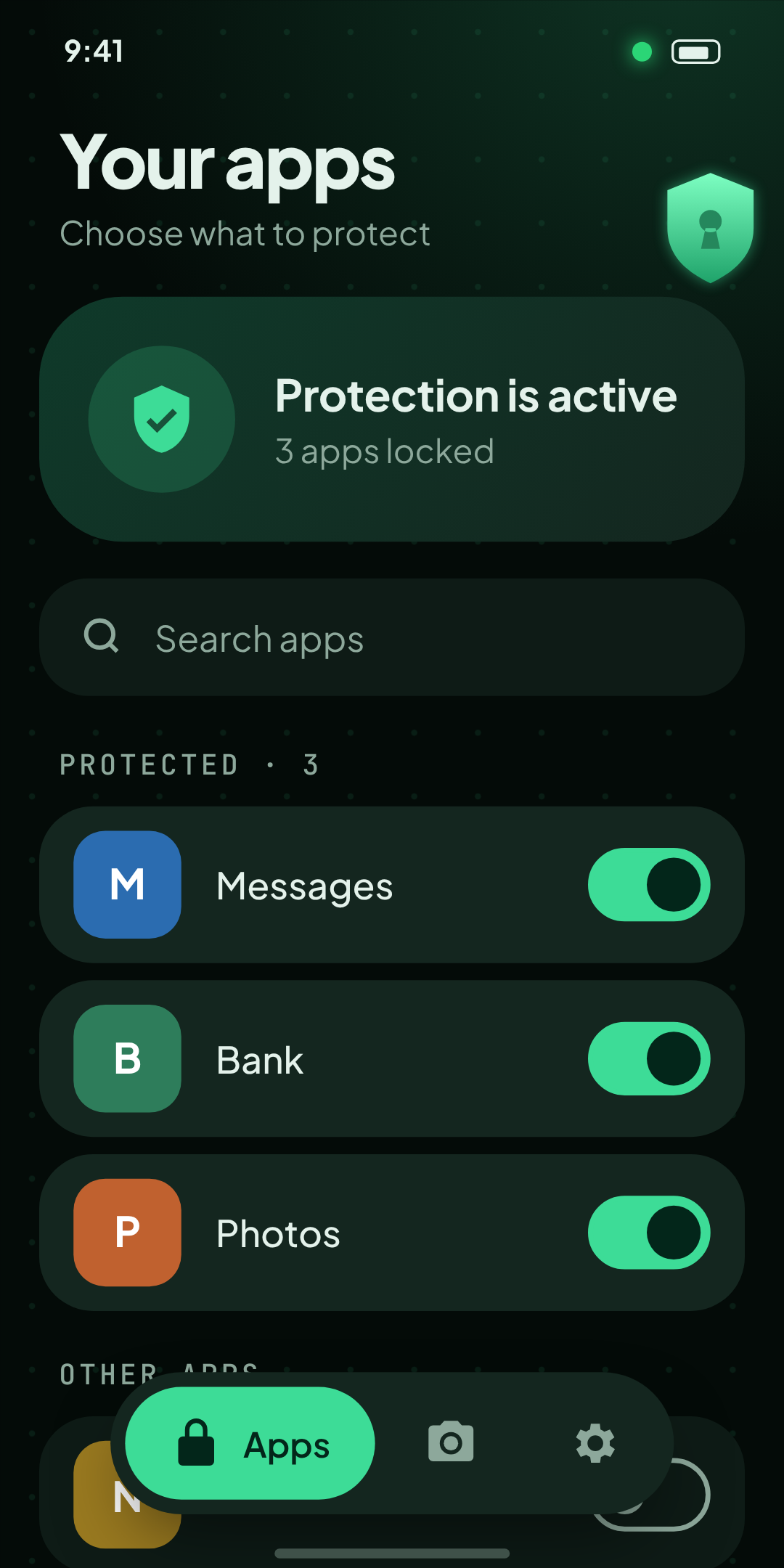
- Switch on the apps you want to protect.
If you installed AppLock from outside Google Play, Android may grey out the Accessibility switch until you choose Allow restricted settings in AppLock’s App info. The in-app guide shows you where. Apps installed from Google Play usually don’t need this step.
Android 8.0 or later
Works on phones running Android 8.0 and above.
A front camera
Needed for the Pro intruder photo.
Fingerprint or face unlock
Optional.
AppLock adds a layer on top of your phone’s own screen lock. It does not replace it. Someone who can unlock your phone can also switch off AppLock’s service or uninstall it. Use a strong phone screen lock as well.
Does AppLock need the internet?
No. It works fully offline. The only network use is Google Play handling the Pro purchase.
Does it drain the battery?
AppLock only reacts when the app on your screen changes. It does not run constant checks.
Where do intruder photos go?
They stay in AppLock’s private storage on your phone. Nothing is uploaded.
Will the person see the camera is on?
Android 12 and later shows a small green camera indicator whenever the camera is in use. AppLock cannot hide it.
I forgot my PIN or pattern.
Choose “Forgot PIN or pattern?” on AppLock’s lock screen and enter your recovery code. If you have lost the code, reinstalling AppLock resets it, but your settings and photos are removed.
Can AppLock read my messages or passwords?
No. It does not read screen content. For apps you have locked, the optional “hide notifications” feature only looks at which app sent a notification, never its text.
I bought Pro on another phone.
Open the Pro screen and choose Restore purchase, signed in to the same Google account.